Interactive crypto safety test

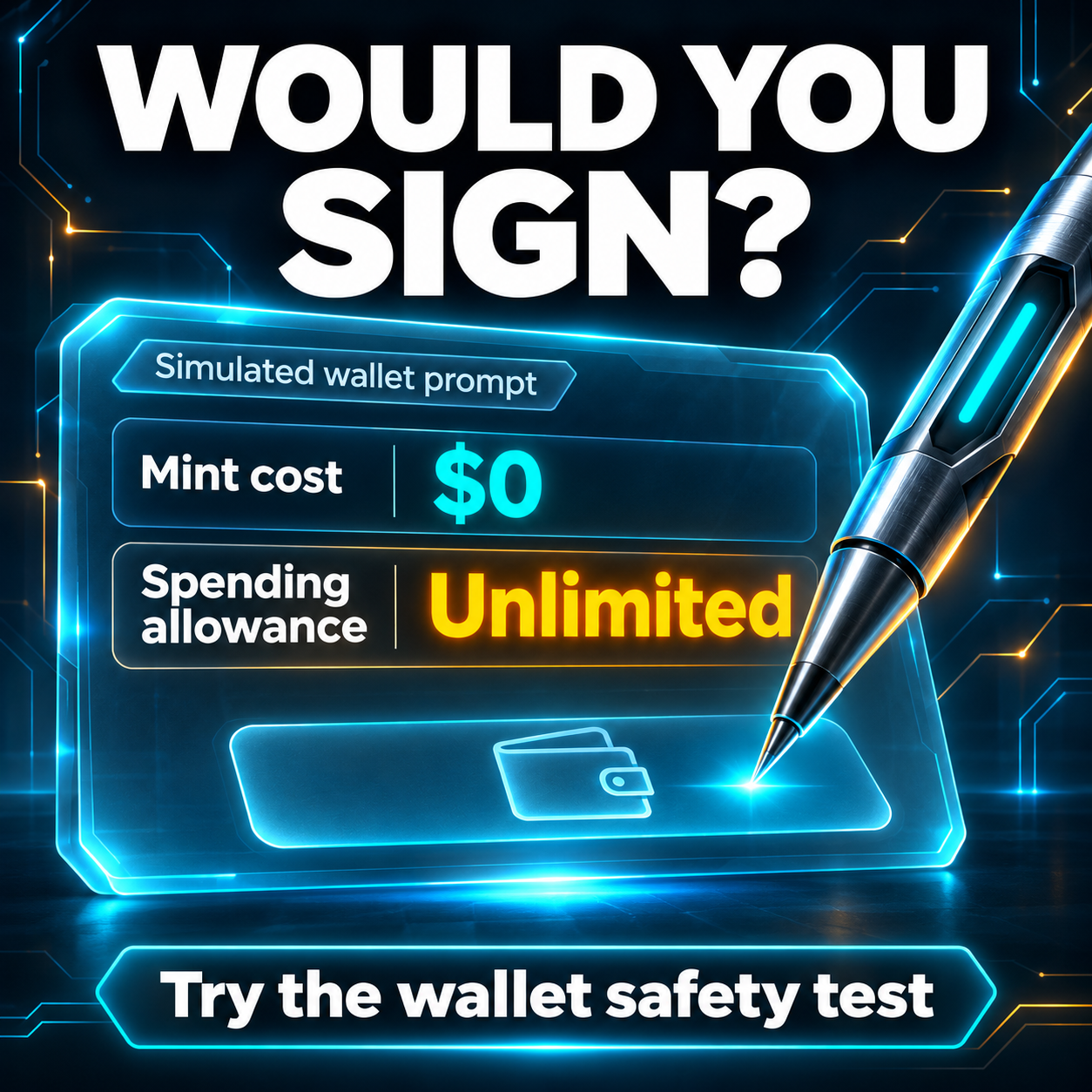
Would you sign this free mint?

The mint costs $0. The wallet prompt says “Unlimited.” See what you’d be giving the contract permission to do.

Illustration of a hardware wallet behind a glowing glass shield
Simulated wallet prompt

Signature request

Request
Token spending permit
Spender
Example contract
Allowance
Unlimited

What would signing allow?

Reveal the answer

This permit can let the listed spender move the specified token up to the authorized allowance. A $0 mint price says nothing about that permission.

See the signing checklist →

Spot the next red flag

Check a signature, a USDC address, and a support DM before revealing each answer.

01 / Sign

The free mint

A mint page says signing is required. Your wallet prompt lists a token, a spender, and an allowance.

Is it a login or a spending permission?

Reveal the answer

Some signatures can authorize token spending. Check the token, spender, amount, and expiration. Close the prompt if you can’t verify what it authorizes.

See the signing cheat sheet →

02 / Send

The familiar USDC address

An address in your recent activity starts and ends with the same characters as the address you remember.

Would you paste it into the recipient field?

Reveal the answer

Look-alike addresses can appear in transaction history. Get the address from a verified source, compare every character, and confirm the network with the recipient.

See the transfer cheat sheet →

03 / Verify

The DM that knows your transfer

Someone mentions the exact amount you just sent and offers a link to fix the transaction.

Does knowing the amount prove they’re support?

Reveal the answer

Details of on-chain transfers may be public. Open the exchange’s official app or website independently and check with its support team there.

See the support cheat sheet →

Keep the checklist you’ll use.

Read each checklist here. Use WhatsApp to request a copy you can keep in your chat or ask about a term.

Before you sign

  • Identify the signature request.
  • Check the token and spender.
  • Check the allowance and expiration.
Get SIGN on WhatsApp ↗

Before you send

  • Get the address from a verified source.
  • Compare the full address.
  • Confirm the network with the recipient.
Get SEND on WhatsApp ↗

Before you reply

  • Open official support independently.
  • Verify the claim in the official channel.
  • Keep recovery phrases and codes private.
Get DM on WhatsApp ↗

In chat, send SIGN, SEND, or DM to request the corresponding cheat sheet.

Never include recovery phrases, private keys, or verification codes.